Parental control app + AI tutor
End the screen-time fights. Start the learning.
Atlas is an app for parents. You set screen time and rules for your child’s computer, phone and console, and an AI tutor helps with homework and tests, following the school curriculum.
- 🔒 GDPR compliant
- 💬 We don’t read your child’s messages
- 🚫 No ads, no data selling
- Screen today
- 2 h 10 min
- Games (left)
- 35 min
- Quizzes solved
- 3 / 4
This week · learning and games
Adding fractions
Counter-Strike · passed 3 quizzes today
Works on these devices and browsers
- iPhone · iPad
- Windows
- Android
- Chrome
- Edge
- Nintendo Switch
- Xbox
- PlayStation
- Samsung · LG · Sony · Philips TV
How it works: learn first, then play
Installed in 5 minutes
This is Atlas on your child’s screen
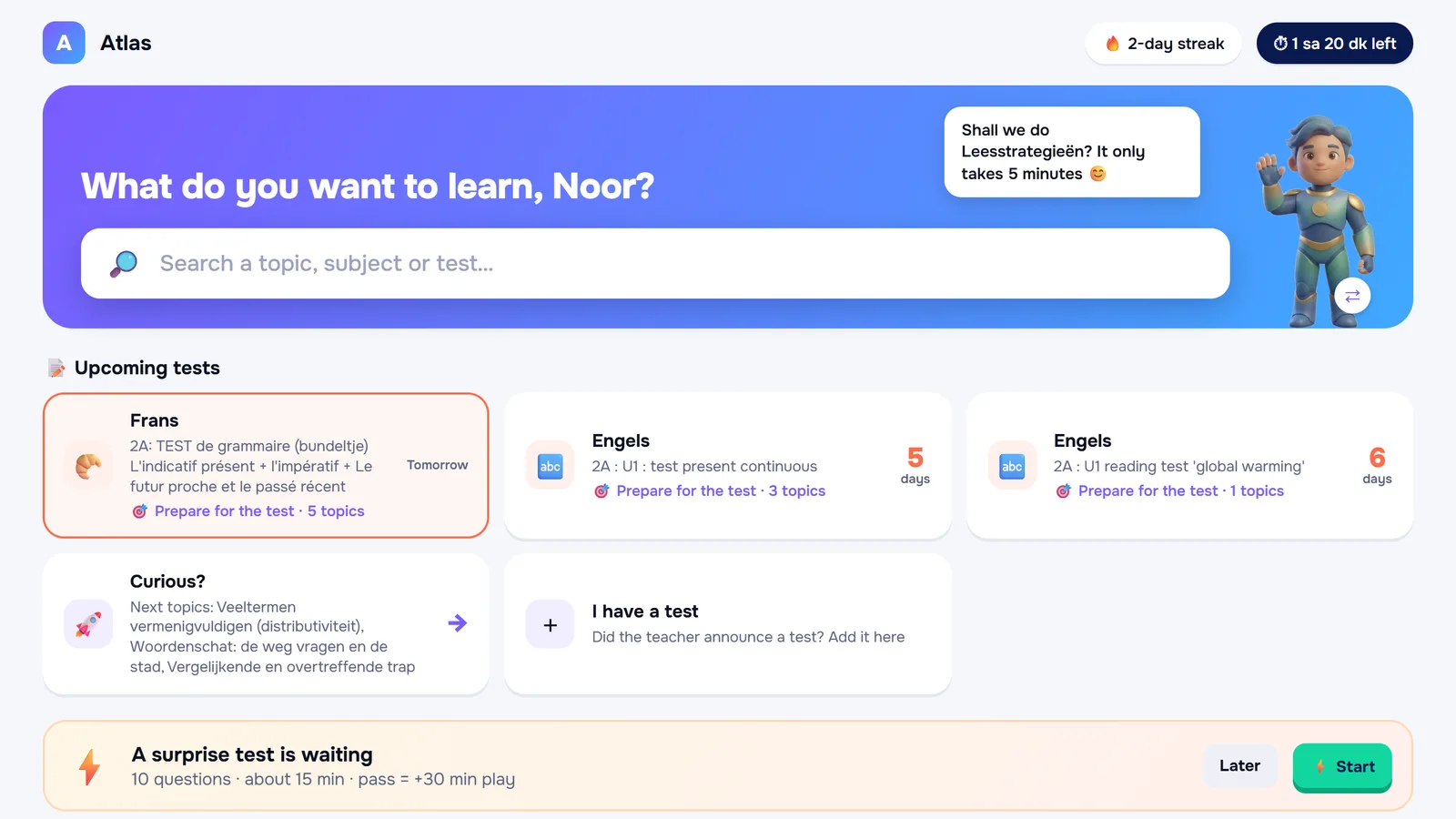
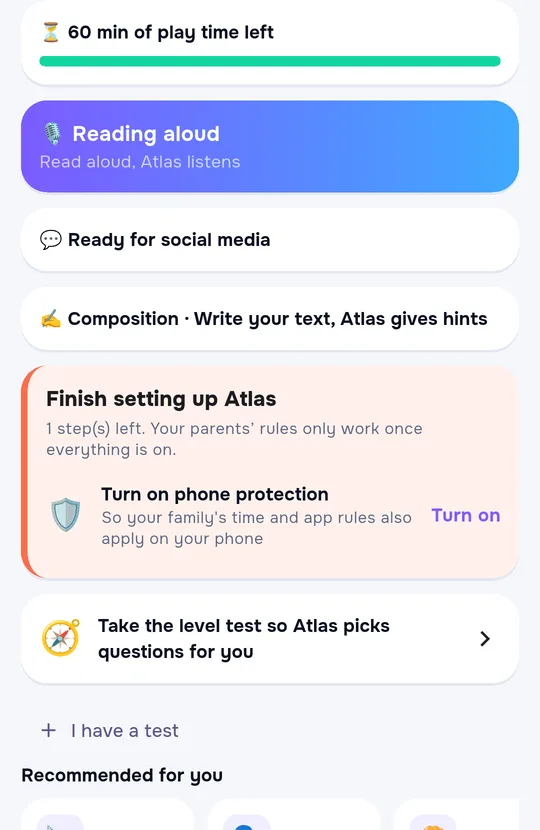
One child, five screens, one rule
A phone's built-in setting only sees that phone. When your child moves to the tablet, computer or console, the clock starts over. Atlas manages them all from one place.
| Topic | The device's built-in setting | Atlas |
|---|---|---|
| Which devices | Only its own brand's devices; if your child signs in with another account, it sees nothing | iPhone, Android, Windows, console and TV from one panel; whatever account your child uses, the device stays covered |
| Daily time | Counted separately on each device | One allowance: wherever it is used, on phone, tablet or computer, it comes off the same total |
| Console and TV | Separate app, separate account | When time is up, the internet is cut; an LG TV shows a message on screen |
| Learning | None | Learning first, then play; the AI teacher follows the school curriculum |
| Getting around it | The limit lives on the device itself and switches off with the passcode | Your child cannot lift the limit: extra time is earned by learning, or requested from you in the app |
Your child is at the computer. You're at work. The questions on your mind never change.
- Are they actually studying right now?
- How many hours of gaming today?
- Which topic are they stuck on, and why?
- Did they visit a site they shouldn't have?
- How do I tie game time to something fair?
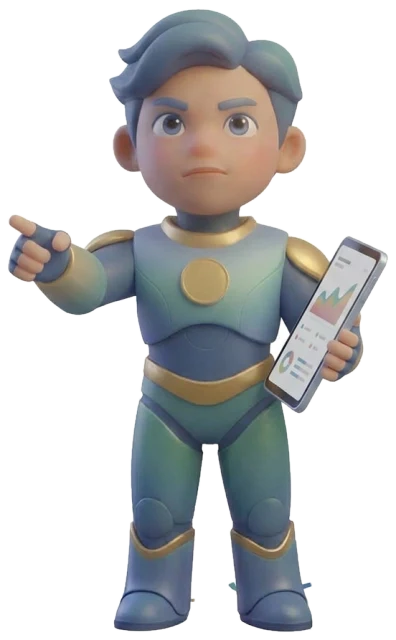
- Strong: equations, French verbs
- Struggling with: adding fractions (3 attempts)
- Tip: 2 short reviews scheduled before the test
One app. Four jobs.
Which apps are always allowed, which only at set times and which never: you decide. Gambling and adult sites are blocked from the start. The rules work together on computer, phone and tablet.€6.99/month per family
Your child snaps a photo of the question they're stuck on. The tutor explains out loud with visuals, and never gives the answer away; it helps them find it.From €4.99/month per child
Pass a quiz, earn 10 minutes of game time. Up to 4 quizzes a day, and the rule is clear to everyone.
Requests for extra time come to your phone: approve or decline. Every Sunday, a summary of learning and screen time.
Noah · apps
Tutor · today's lessons
Fractions question, textbook page 42
Adding fractions · Grade 2
Spoken, with visuals and hints
Time earned today
Requests
How it works
Set up
Add your child's computer, phone and tablet. Your rules apply on all their devices at once.
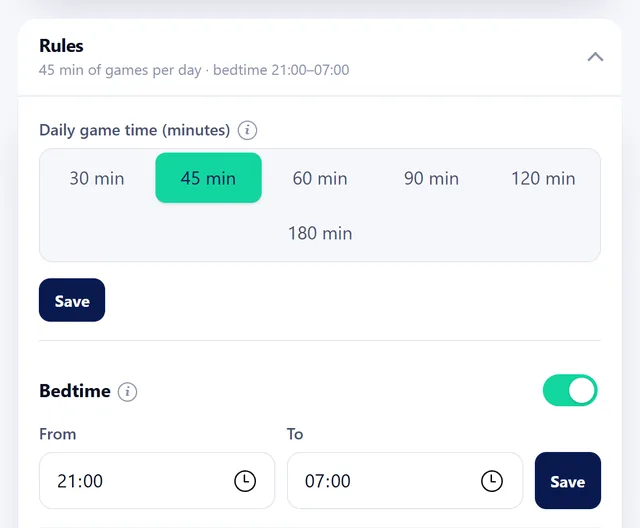
Set the rules
Choose the hours, the allowed apps and the reward rules.
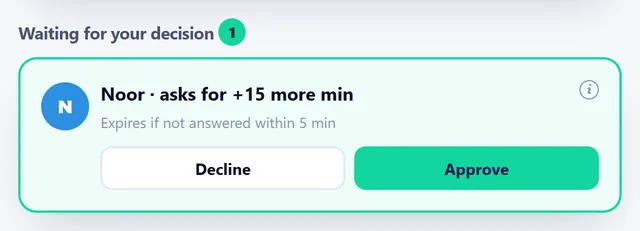
Relax
Reports and requests come to your phone. Rules instead of arguments.
You set the rules, on every device.
Set the rule once.
From the dashboard, you choose the daily limit, blocked apps, websites and bedtime. No need to set each device up separately.
The same rule on every device.
Computer, phone and console share the same allowance. If a child plays for 20 minutes on the phone, they can see the remaining 40 minutes on the computer.
When time's up, the game closes.
A warning comes 5 minutes before, then the game closes. Your child can request extra time or earn some by answering a few questions.
What you block stays blocked.
Apps you've blocked, like TikTok, won't open on the phone; gambling and adult sites are blocked on the computer. Your child can ask you if they want access.
Set rules for websites too.
YouTube for 30 minutes a day, Roblox not at all: website rules apply on both computer and phone. When time runs out the site closes, and you'll see any blocked attempts in your dashboard.
Time limits work on consoles too.
Xbox, PlayStation or Switch: the timer works on consoles too. When time's up or bedtime arrives, games close on the console as well.
Everything winds down at bedtime.
At 21:30 the computer, phone and console switch off. Essential tools like alarms, music and the calculator stay on.
Family time at the touch of a button.
One tap for dinner or family time: computer, phone and console all pause together. They switch back on automatically when the time's up.
No more secret workarounds.
New apps won't open until you approve them. You'll get a notification if a new device appears at home or if your child's phone stays silent for a long time.
Life's flexible, and so are the rules.
Separate limits for weekdays and weekends, sick days and school holidays are ready to go. Reward chores with extra time, and give grandparents approval rights only.
You make the final call.
Your child's requests land in your dashboard: you approve or decline. The daily summary is ready in the evening.
Screen time turns into study time.
Atlas explains what they're stuck on.
Your child snaps a photo of the question they're stuck on. The teacher explains with voice and graphics—doesn't give the answer away, but helps them find it.
Answer questions, earn time.
Pass the Quiz and earn 10 minutes of game time. Questions adapt to your child's level and get harder, so there's no coasting on the easy ones.
Study schedule ready.
A daily study plan is built from school homework and exams. If Smartschool is connected, it updates automatically.
Was the homework actually done?
When homework's done, your child marks it "Done" and attaches a photo of their notebook. You approve it. Teacher comments appear right there too.
Pop quiz.
Atlas opens a short surprise revision quiz. You'll see if the learning really stuck. If you prefer, games stay locked until the quiz is finished.
Reading counts.
They read from Atlas's library, and both time and pages count. Hit the daily goal and earn game time.
Write, read aloud, grow.
They get hints for their essay—Atlas won't write it for them. Records their read-aloud practice. Dyslexia-friendly font and text-to-speech ready.
Your weekly summary arrives.
Every Sunday, a study and screen-time summary. Ask the assistant anything: where did they struggle this week, are they ready for the exam?
Do chores, earn screen time
Tidied the room? Set the table? Your child taps "Done" in Atlas, you approve, and they earn screen time. If you like, games stay locked until an important chore is done.
And more
What parents say
Amazing! I can manage all devices from one place and monitor the websites and games my children are using. It's also perfect that it contributes to their studies.Resources for parents
See all
How Much Screen Time Is Healthy? Limits by Age
How much screen time is healthy for your child? Guidelines by age from the WHO and the AAP, plus practical tips to keep it workable without daily fights.
Should Your Child Use ChatGPT for Homework?
Should your child use ChatGPT for homework? What works, what doesn't, and how to make AI a tool that supports thinking instead of doing it for them.
When Your Child Won't Stop Gaming: What Works
Your child won't stop gaming? Why stopping is so hard and which agreements, transitions and alternatives really work, without a daily fight.
What age should a child get their first phone?
Decide on a first phone by looking at need, readiness and guidance. Build a small starting plan with clear rules and room to review.